
Webhook
Send Surpasso articles to Make, Zapier, n8n, Lovable, or a custom website.
Webhook is the flexible option for a website that is not built on one of the listed platforms. When you send an article, Surpasso makes a secure HTTPS request containing the complete content.
The simplest setup with Make
- Create a Scenario in Make.
- Add Webhooks → Custom webhook as the first module.
- Create the webhook and copy its HTTPS address.
- Select Run once so Make is listening for the setup test.
- In Surpasso, choose Webhook, enter a name, and paste the Make address.
- Select Create and send test.
- Copy the signing secret shown once and store it securely.
- In Make, add the CMS action that creates or updates a post and map the
fields under
article. - Turn on the Scenario and publish a test article from Surpasso.
The initial setup test does not contain an article. Make learns the full article fields after the first draft or published article is sent.
Zapier and n8n
- Zapier: start with Webhooks by Zapier → Catch Hook.
- n8n: start with a Webhook trigger and use its Production URL after the workflow is active.
- Paste the HTTPS URL into Surpasso while the receiving workflow is listening.
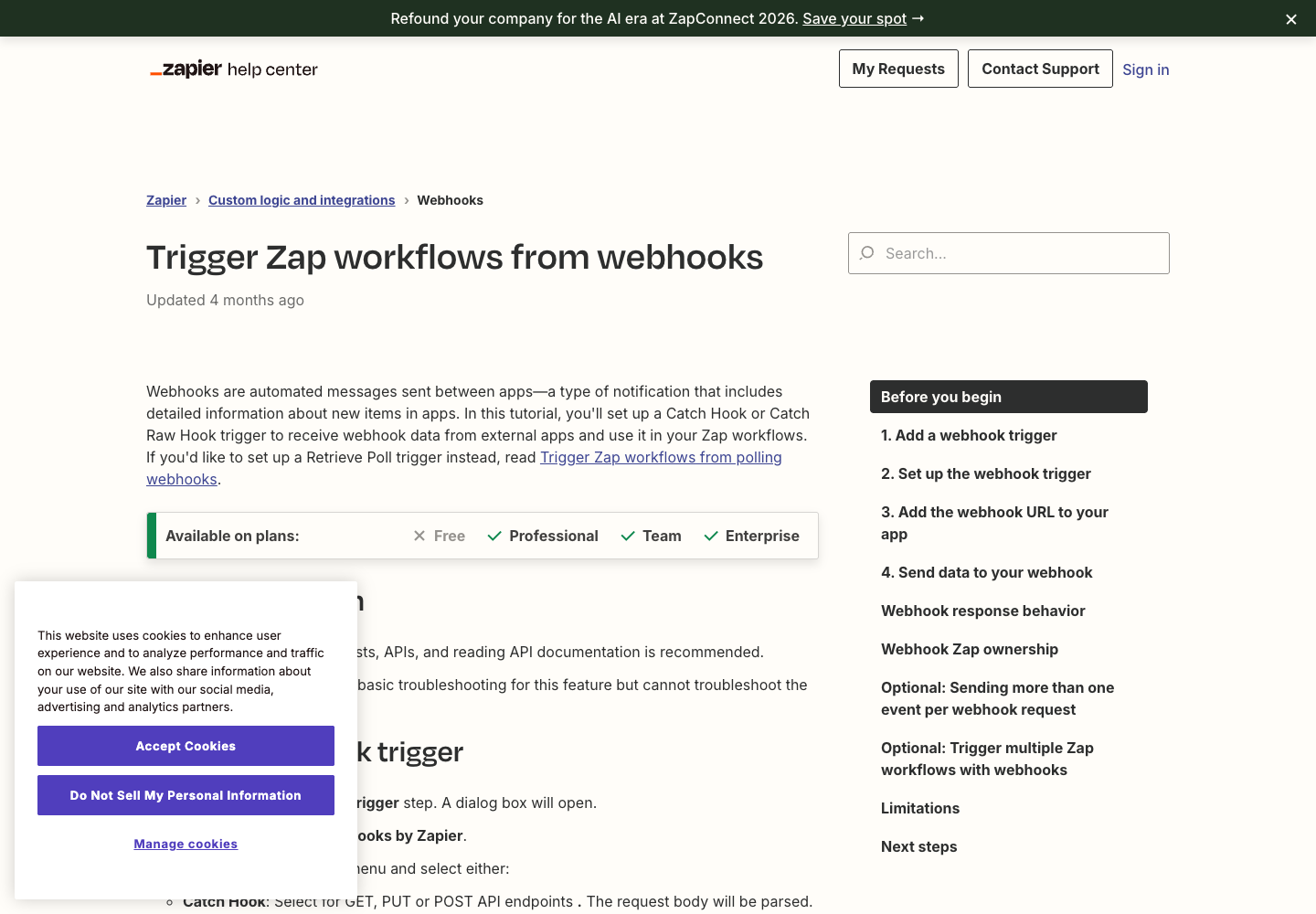
Zapier's official Catch Hook guide shows where to add the webhook trigger, copy its URL, and send sample data.
For a custom Next.js receiver, the downloadable starter includes
app/api/surpasso-webhook/route.ts. It verifies the HMAC signature from the
raw request body, rejects timestamps older than five minutes, and exposes the
delivery and idempotency values your database or Redis layer should store.
What Surpasso sends
Each request is a JSON POST. The event value describes the action:
integration.test— sent during setup or a connection test.article.draft_created— a website draft was requested.article.published— formal publishing was requested.article.updated— an existing website article was updated.
{
  "schemaVersion": "1",
  "event": "article.published",
  "deliveryId": "unique-delivery-id",
  "idempotencyKey": "publication:unique-delivery-id",
  "occurredAt": "2026-10-13T10:00:00.000Z",
  "article": {
    "id": "article-id",
    "title": "Article title",
    "slug": "article-title",
    "excerpt": "Short description",
    "contentHtml": "<p>Complete article HTML</p>",
    "contentMarkdown": "Complete article Markdown",
    "metaTitle": "SEO title",
    "metaDescription": "SEO description",
    "canonicalUrl": "https://example.com/blog/article-title",
    "author": "Author name",
    "categories": ["Category"],
    "tags": ["tag"],
    "featuredImage": null,
    "images": []
  }
}
Prevent duplicate posts
Temporary failures can be retried. Save deliveryId or idempotencyKey. If the
same value arrives again, return success without creating a second post. Use
article.id to find and update the existing CMS record.
Verify the request
Requests include x-surpasso-event, x-surpasso-delivery,
x-surpasso-timestamp, and x-surpasso-signature. A custom Node.js or Next.js
receiver can verify the raw body:
import { createHmac, timingSafeEqual } from 'node:crypto';

export async function POST(request: Request) {
  const body = await request.text();
  const timestamp = request.headers.get('x-surpasso-timestamp') || '';
  const received = (request.headers.get('x-surpasso-signature') || '').replace(
    /^sha256=/,
    ''
  );
  const expected = createHmac('sha256', process.env.SURPASSO_WEBHOOK_SECRET!)
    .update(`${timestamp}.${body}`)
    .digest('hex');

  const timestampSeconds = Number(timestamp);
  const fresh =
    Number.isFinite(timestampSeconds) &&
    Math.abs(Date.now() / 1000 - timestampSeconds) <= 300;
  const valid =
    fresh &&
    /^[a-f0-9]{64}$/.test(received) &&
    timingSafeEqual(Buffer.from(received, 'hex'), Buffer.from(expected, 'hex'));
  if (!valid) return new Response('Unauthorized', { status: 401 });

  const event = JSON.parse(body);
  // Atomically store event.idempotencyKey with a unique constraint or Redis
  // SET NX. Return 204 immediately if it was already processed.
  // Then create or update the article using event.article.id.
  return new Response(null, { status: 204 });
}
Keep the secret in a server environment variable. Disconnect and recreate the Webhook if the secret is exposed.
Reject timestamps older than five minutes and retain processed idempotency keys for at least as long as your retry window. These checks prevent replayed requests from creating duplicate or stale updates.
Endpoint requirements
- Use a public HTTPS URL and do not redirect the request.
- Return a
2xxresponse promptly; queue slow work and respond first. - Do not require a browser login page.
- Accept
application/jsonrequests.
Troubleshooting
The test fails: confirm that the workflow is active, the URL is the
Production URL, and the endpoint returns 2xx. In Make, select Run once
before testing.
Articles are duplicated: deduplicate with idempotencyKey and update the
record associated with article.id.
The signature is invalid: calculate it from the raw request body, before parsing and re-serializing the JSON.