
Shopify
Publish Surpasso articles into a Shopify store blog.
Surpasso creates native Shopify blog articles while keeping your storefront theme and design unchanged.
Before you start
- Use a Shopify account allowed to install apps.
- Create at least one blog under Online Store → Blog posts.
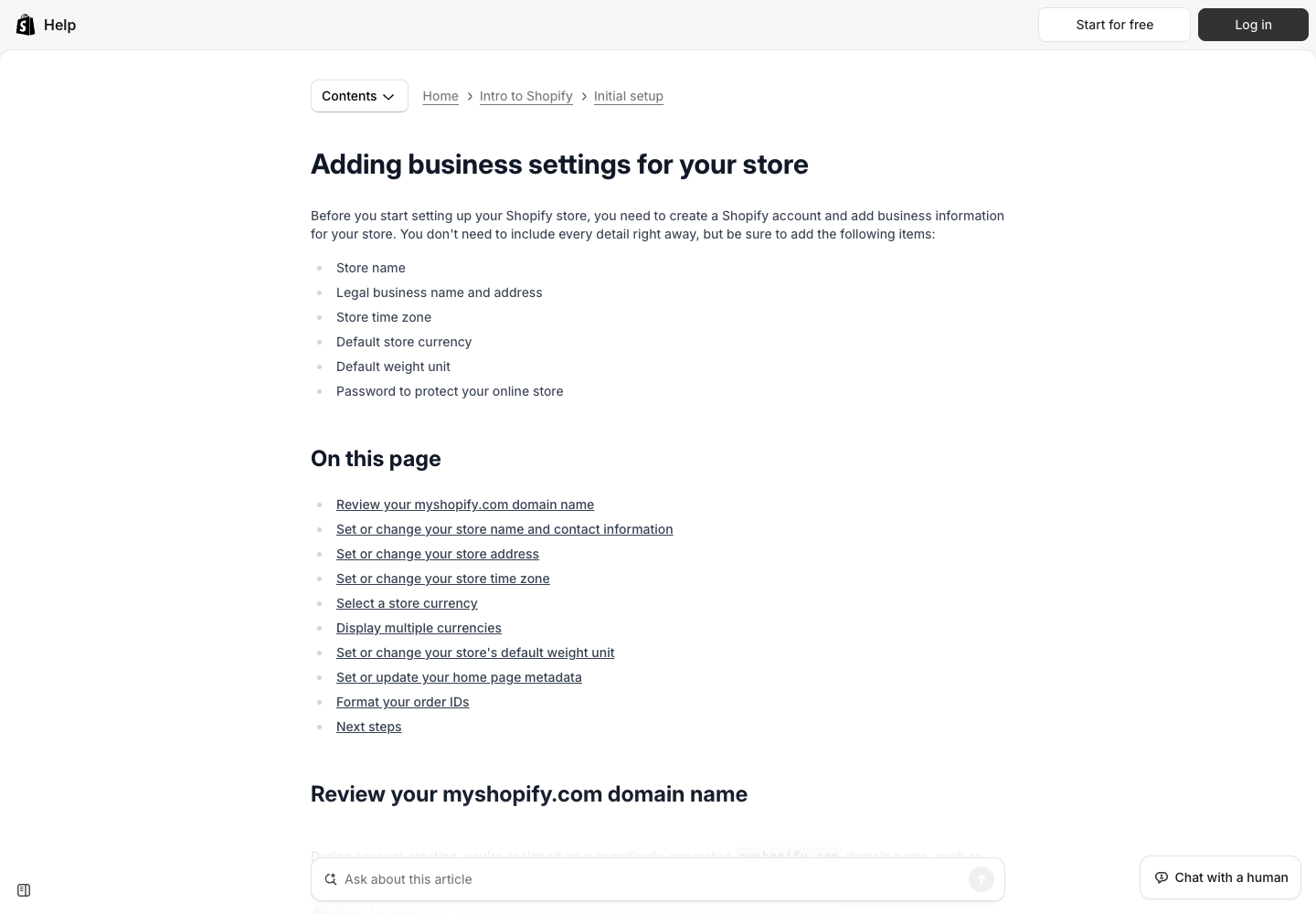
- Find the permanent store address ending in
.myshopify.com. Do not use the public custom storefront domain.
In Shopify Admin, open Settings → Domains to find that permanent address.
Shopify's official setup guide
explains why the myshopify.com domain is the store's stable identifier for
third-party apps.
Connect Shopify
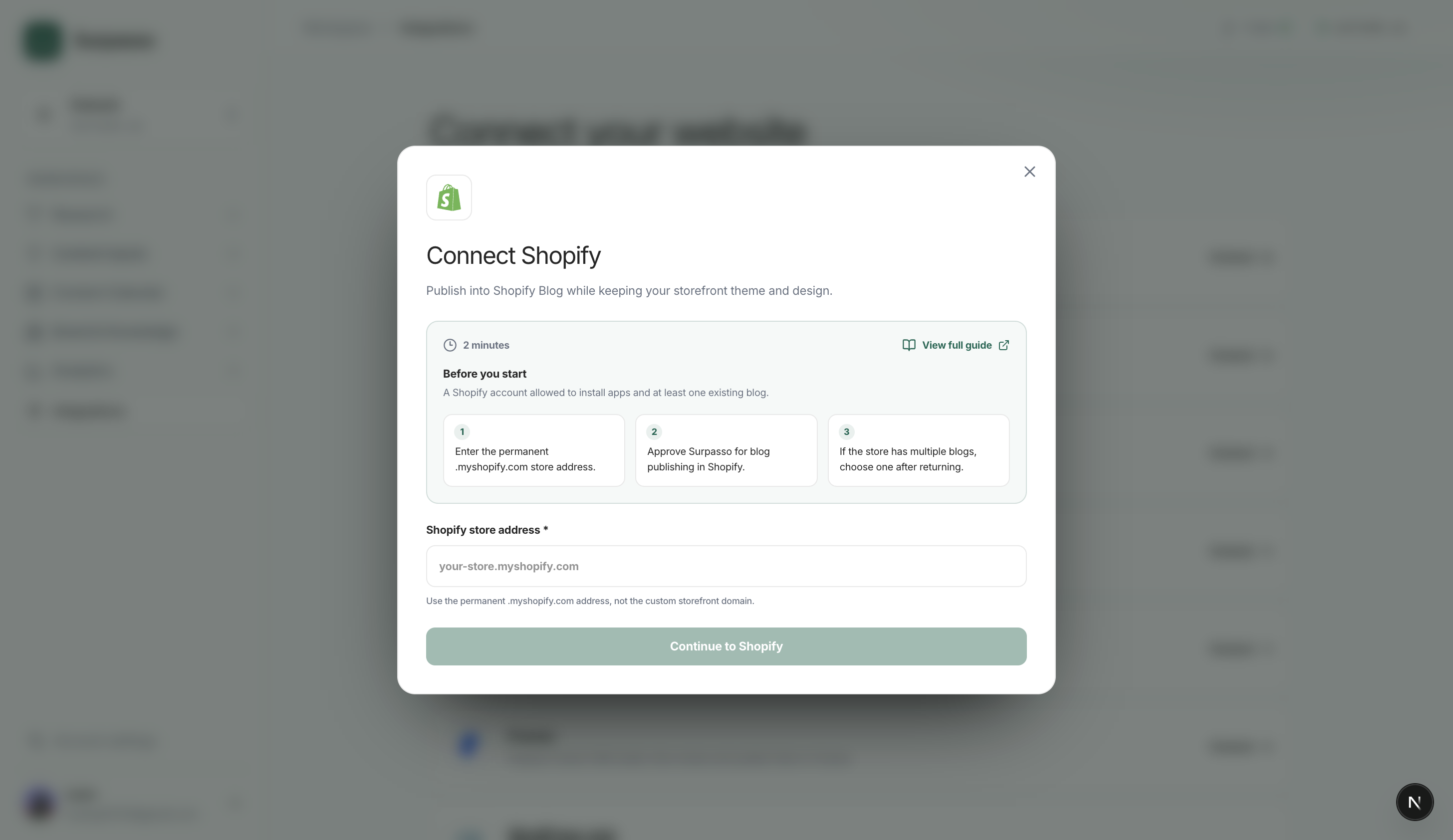
- Open Workspace → Integrations and choose Shopify.
- Enter the permanent
.myshopify.comstore address. - Continue to Shopify and approve Surpasso's blog publishing access.
- Return to Surpasso.
- If the store has one blog, it is selected automatically. If it has several, choose the blog that should receive articles.
- Save the selection and wait for the connection test to finish.
After copying the address from Shopify, paste it into this Surpasso field:
The test reads the store identity and confirms that the selected blog still exists. It does not create or publish an article.
The connection then supports website drafts, publishing, and updates to the same Shopify article.
What happens after connecting
- Create draft: Surpasso creates a native article in the selected Shopify blog with its title, author, body, summary, slug, tags, and featured image.
- Publish: the same draft becomes public on the storefront.
- Update: later edits update that same article and preserve its draft or published state.
- Delete: delete the article in Shopify Admin. Uninstalling Surpasso stops future access but does not remove existing articles.
Each connection is owned by the signed-in Surpasso account and tied to the
selected brand, store, and destination blog. The permanent .myshopify.com
address prevents a custom-domain change from breaking that match.
If no blog is available
Open Shopify and create a blog first, then return to Surpasso and reconnect or refresh the available blogs. Removing the Surpasso app in Shopify automatically disconnects the store.