
Wix
Connect a Wix Blog through the official app installation flow.
Surpasso uses the official Wix app installation flow. You do not need to find a Site ID or manually create an API key.
Before you start
- Add Wix Blog to the destination site and complete its setup in the Wix Editor. The site should contain the Blog page.
- Use a Wix account allowed to install apps and manage the blog.
- Publish the Wix site once if you want published articles to have a public URL immediately.
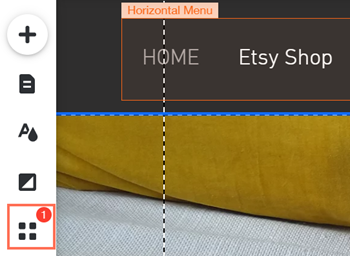
In the Wix Editor, select Add Apps, search for Wix Blog, choose Add to Site, and approve the installation. Wix documents this path in its official app-installation guide.
Connect Wix
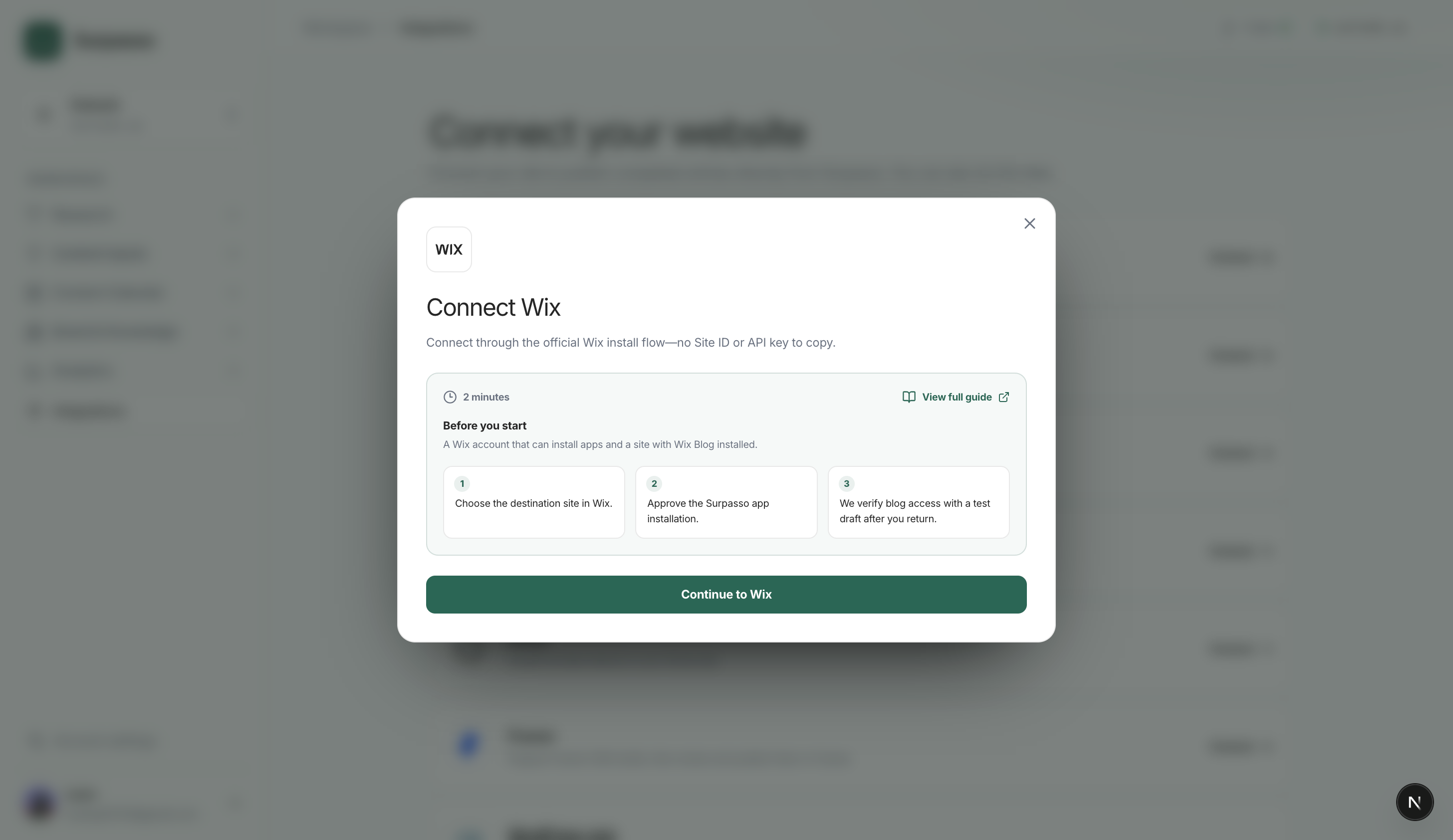
- Open Workspace → Integrations and choose Wix.
- Continue to Wix and choose the destination site.
- Approve the Surpasso app installation.
- Return to Surpasso. We create a private test draft and move it to the Wix trash after the permission check.
After Wix Blog is installed, start the Surpasso connection here:
When the test succeeds, the connection is ready for drafts, publishing, and article updates.
Surpasso's production verification covered all three actions on one Wix post: create a draft, update that same draft without a duplicate, and publish it to a live Wix Blog page.
The test draft is never published. If Wix accepts creation but cleanup fails, Surpasso reports the test as unsuccessful rather than leaving the connection silently half-configured.
Wix separates installing the Blog app from placing its pages on the site. If Wix shows Setup required beside Wix Blog, open Manage Apps → Wix Blog → Complete Setup, add the Blog page in the Editor, and publish the site.
What happens after connecting
- Create draft: Surpasso creates a private Wix Blog draft with the title, body, excerpt, URL slug, and SEO title and description.
- Publish: the same draft is published.
- Update: later edits update the same Wix post; an already published post remains published.
- Delete: delete the post in Wix. Removing the Surpasso app stops future access but does not remove existing posts.
Categories, tags, cover images, and multilingual fields are not synchronized in the current Wix integration. Add or adjust those fields in Wix after the draft is created.
Wix returns the selected site's unique installation identity to Surpasso. The connection is owned by the signed-in account and tied to the selected brand, so later users choose and connect their own Wix site during the same flow.
If connection testing fails
Confirm that Wix Blog is installed on the selected site and that your account can manage blog posts. If publishing succeeds but no public URL appears, finish Wix Blog setup in the Editor and publish the site. Wix limits a single draft post to 400 KB; Surpasso checks the article before sending it. Removing the app in Wix disconnects the site automatically.