
Next.js
Add an SEO-ready Surpasso blog to a custom Next.js website.
Next.js is a website development framework, not a hosted publishing platform. There is no universal “sign in to Next.js” button. Instead, your website reads published articles securely from Surpasso and displays them in its own design.
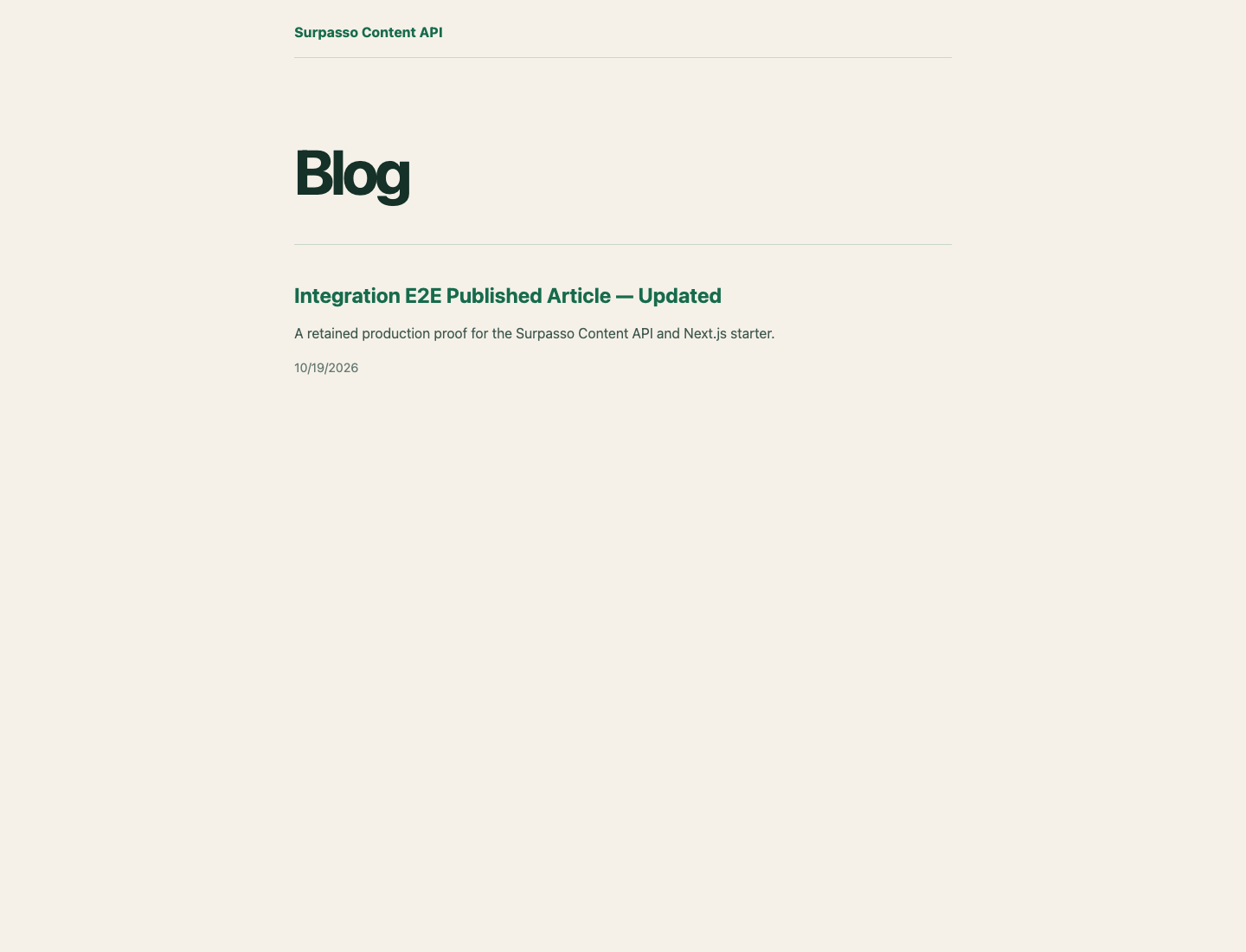
The Surpasso starter includes a /blog index, article pages, SEO metadata,
sitemap entries, server caching, and a protected cache-refresh route. Drafts
stay in Surpasso; the website can read published articles only.
Before you start
You need a Next.js App Router project and permission to change its code and deployment environment. A developer can complete the setup, or you can give the prompt below to an AI coding tool.
1. Create the connection
- Open Workspace → Integrations in Surpasso.
- Choose Next.js.
- Enter a recognizable connection name and select Create key and continue.
- Copy the Content API key immediately. The full key is shown only once.
If the key is exposed, rotate it in Surpasso. The previous key stops working immediately.
2. Add server environment variables
Add these values to .env.local during development and to the deployed
website's server environment:
SURPASSO_URL=https://surpasso.ai
SURPASSO_CONTENT_API_KEY=sp_content_replace_me
SURPASSO_REVALIDATE_SECRET=choose_a_separate_random_secret
Never use a variable beginning with NEXT_PUBLIC_ for the Content API key.
Those values may be exposed to website visitors.
3. Read published articles
Use a Server Component or server-only helper:
import 'server-only';

const baseUrl = process.env.SURPASSO_URL!;
const apiKey = process.env.SURPASSO_CONTENT_API_KEY!;

export async function listArticles() {
  const response = await fetch(`${baseUrl}/api/content/v1/articles?limit=50`, {
    headers: { authorization: `Bearer ${apiKey}` },
    next: { revalidate: 3600, tags: ['surpasso-content'] },
  });
  if (!response.ok) throw new Error('Could not load Surpasso articles');
  return response.json();
}

export async function getArticle(slug: string) {
  const response = await fetch(
    `${baseUrl}/api/content/v1/articles/${encodeURIComponent(slug)}`,
    {
      headers: { authorization: `Bearer ${apiKey}` },
      next: { revalidate: 3600, tags: ['surpasso-content'] },
    }
  );
  if (response.status === 404) return null;
  if (!response.ok) throw new Error('Could not load the Surpasso article');
  return response.json();
}
Article details include the title, excerpt, HTML and Markdown body, SEO title, SEO description, canonical URL, featured image, categories, tags, and update time.
4. Add the blog pages
The reference implementation in examples/nextjs-surpasso-starter contains:
app/blog/page.tsx
app/blog/[slug]/page.tsx
app/sitemap.ts
app/api/revalidate/route.ts
lib/surpasso.ts
Copy these files into the matching locations in the App Router project and adapt their styles to the existing website. Keep the data helper on the server.
5. Test the complete flow
- Start the Next.js website and open
/blog. - Publish a test article in Surpasso—not only a draft.
- Refresh
/blogand open the article page. - Check the title, body, image, SEO metadata, and canonical URL.
- Open the sitemap and confirm that the article URL appears.
If the article does not appear immediately, use the starter's protected refresh route or wait for the configured cache interval.
Give this task to an AI coding tool
Copy this prompt without adding your real API key:
Add a Surpasso-powered blog to this existing Next.js App Router project.

Requirements:
1. Keep SURPASSO_CONTENT_API_KEY server-side only. Never use NEXT_PUBLIC_.
2. Read the list from SURPASSO_URL/api/content/v1/articles?limit=50.
3. Read a detail from SURPASSO_URL/api/content/v1/articles/{slug}.
4. Send Authorization: Bearer ${SURPASSO_CONTENT_API_KEY} on server requests.
5. Add /blog and /blog/[slug] pages matching the existing website design.
6. Render the returned article HTML safely.
7. Generate title, description, canonical, Open Graph, and Twitter metadata.
8. Include published articles in the sitemap.
9. Cache with the tag "surpasso-content" and add a protected refresh route.
10. Return notFound() for missing articles and show a useful temporary error.

Use these server environment variables:
SURPASSO_URL=https://surpasso.ai
SURPASSO_CONTENT_API_KEY=<I will add this to the deployment environment>
SURPASSO_REVALIDATE_SECRET=<I will add a separate secret>

Before editing, inspect and reuse the project's existing routes, styles,
metadata, and sitemap conventions.
Security checklist
- Keep the Content API key in server environment variables.
- Do not request Surpasso directly from a Client Component or browser script.
- Rotate the key if it appears in Git, a browser bundle, or a screenshot.
- Protect the cache-refresh route with a separate secret.
- Use the Content API guide for endpoint details.