
Framer
Send articles to an editable Framer CMS Collection as drafts.
Surpasso creates and updates Framer CMS drafts. You review the result in Framer and publish the project yourself.
Before you start
- Use an editable CMS Collection owned by the Framer project. Collections synced from an external source are not supported.
- Prepare a String field for the title and a Formatted Text field for the article body.
- Optional fields can receive the summary, featured image, SEO title, SEO description, and author.
Connect Framer
- In Framer, open Site Settings → General → API keys, select Add, and
create a key named
Surpasso. - Copy the editor URL beginning with
https://framer.com/projects/. Do not use the public website domain. - In Surpasso, open Workspace → Integrations and choose Framer.
- Enter the project URL and Server API key.
- Choose the CMS Collection and confirm the title and body fields.
- Map any optional fields, then save and test the connection.
Framer's official Server API quick start also points to the General section of Site Settings for project API keys.
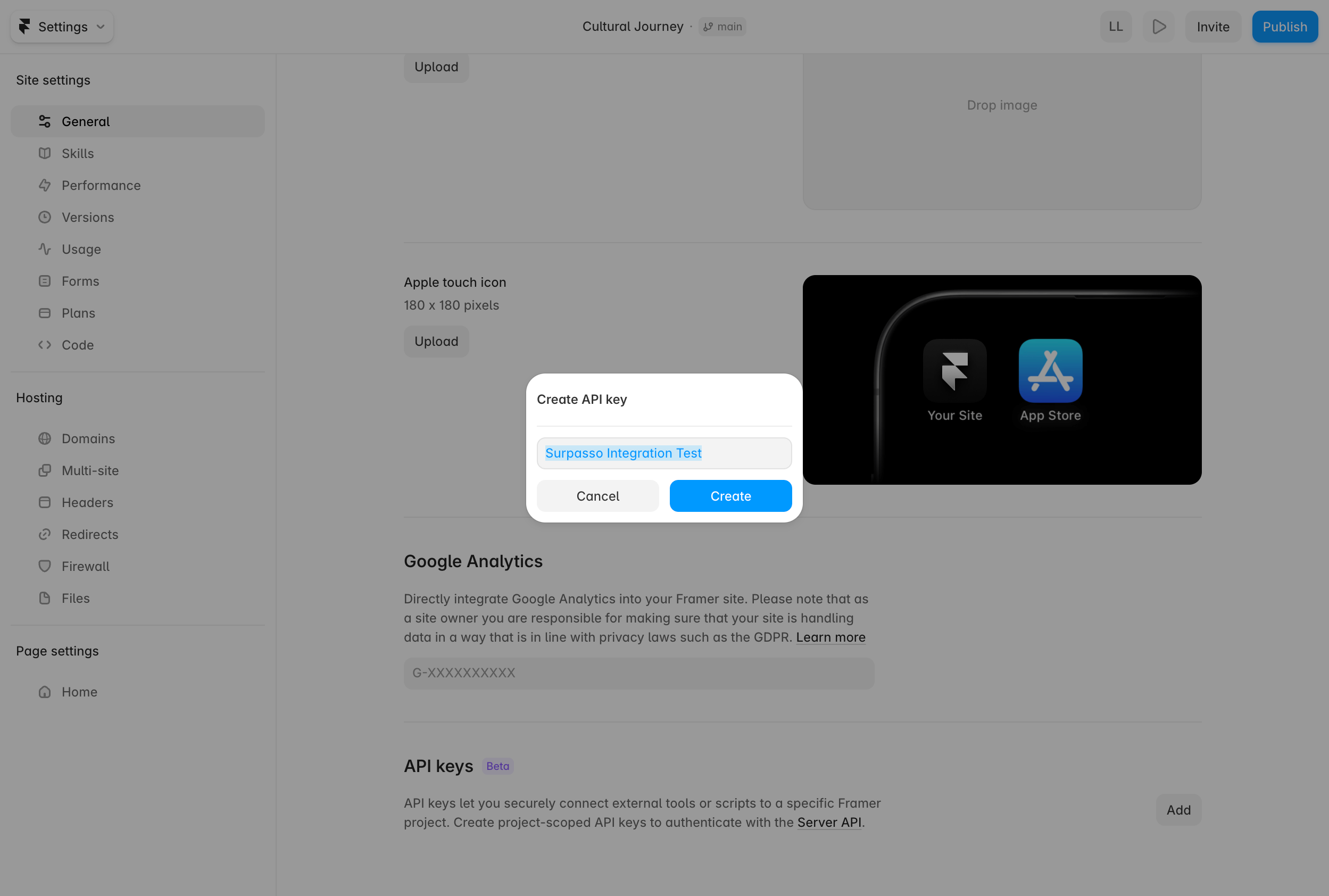
The key is shown only for this project. Copy it when Framer displays it and paste it directly into Surpasso; do not add it to public page code.
The test reads the project, Collection, and field definitions. It confirms the required field types without creating a CMS item or publishing the project.
Recommended field mapping
| Surpasso content | Framer field type | Required |
|---|---|---|
| Title | String | Yes |
| Body | Formatted Text | Yes |
| Summary | String | No |
| Featured image | Image | No |
| SEO title | String | No |
| SEO description | String | No |
| Author | String | No |
What happens after connecting
- Create draft: Surpasso creates a new draft item in the chosen Collection.
- Update: later edits update that same CMS item and keep it as a draft.
- Publish: review the item and publish the Framer project yourself.
- Delete: delete the CMS item in Framer.
The API key belongs to one Framer project. Surpasso ties the chosen project, Collection, and field mapping to the signed-in account and selected brand, so another customer or brand cannot reuse it even when field names differ.
Why Framer is draft-only
Publishing a Framer project may also make unrelated team changes live. Surpasso therefore prepares the article as a CMS draft and leaves the final project-wide publish action to you.
If a Collection is missing, confirm that it belongs to the project and is not synced from an external source.